For iPhone · Coming soon to the App Store
Your meal plan that thinks ahead.
Snap a photo, see your calories, cook what fits. Macrova tells you what to eat right now.
Free · No account · For iPhone
How it works
Everything you need. Nothing that gets in the way.
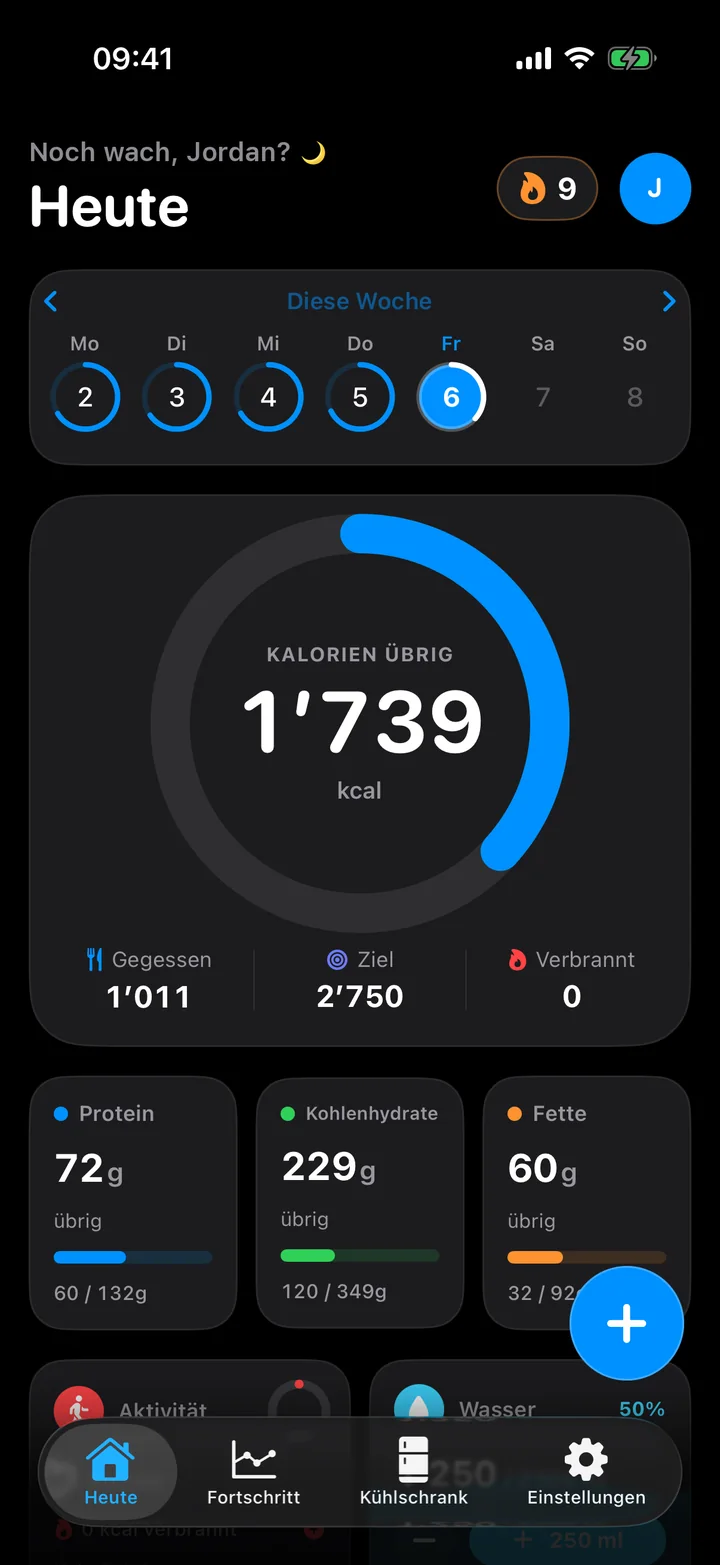
Snap it, track it.
Take a photo of your plate. The AI recognises the food and estimates calories and macros.
Cook with what you have.
Scan your fridge and get recipes that fit.
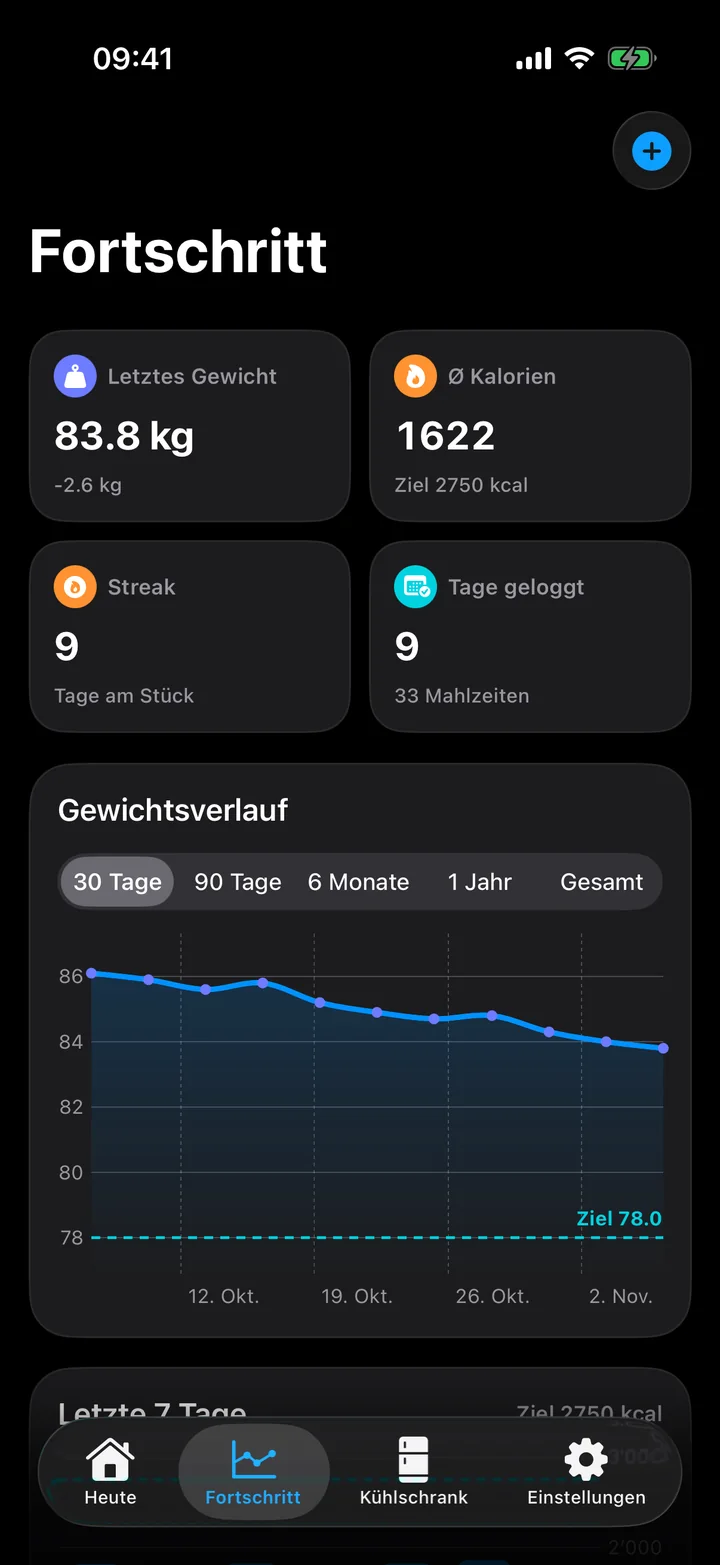
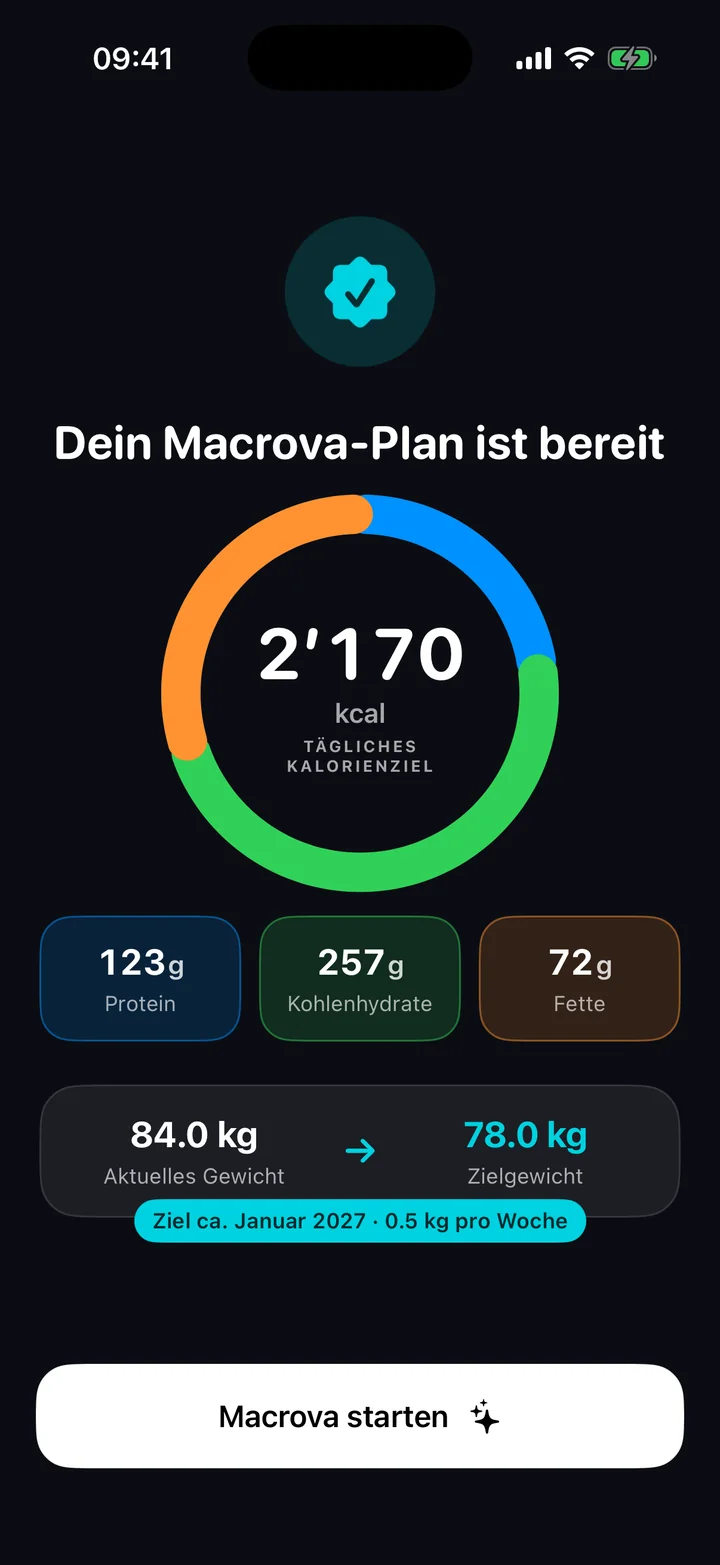
A plan that thinks ahead.
Calories and macros tailored to your goal and your day.
The highlight
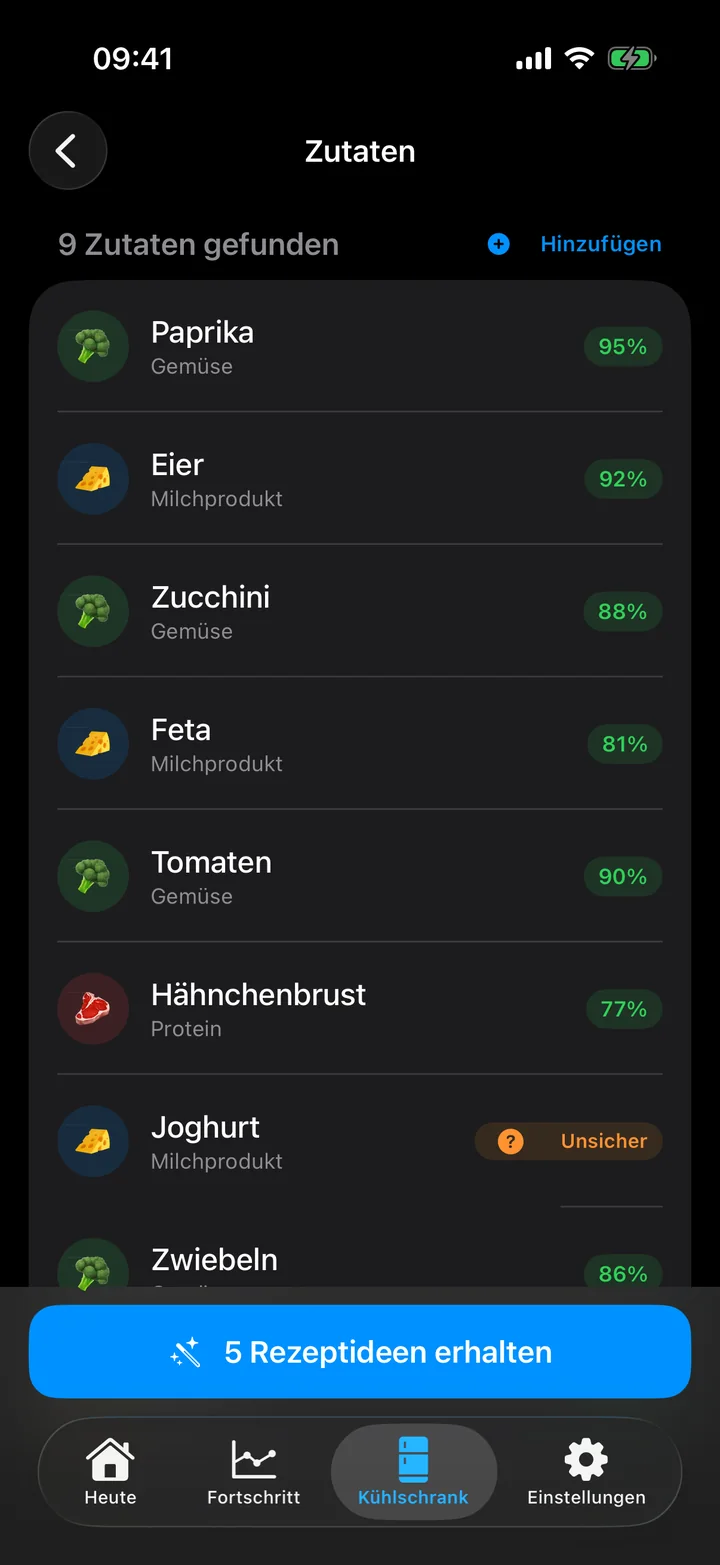
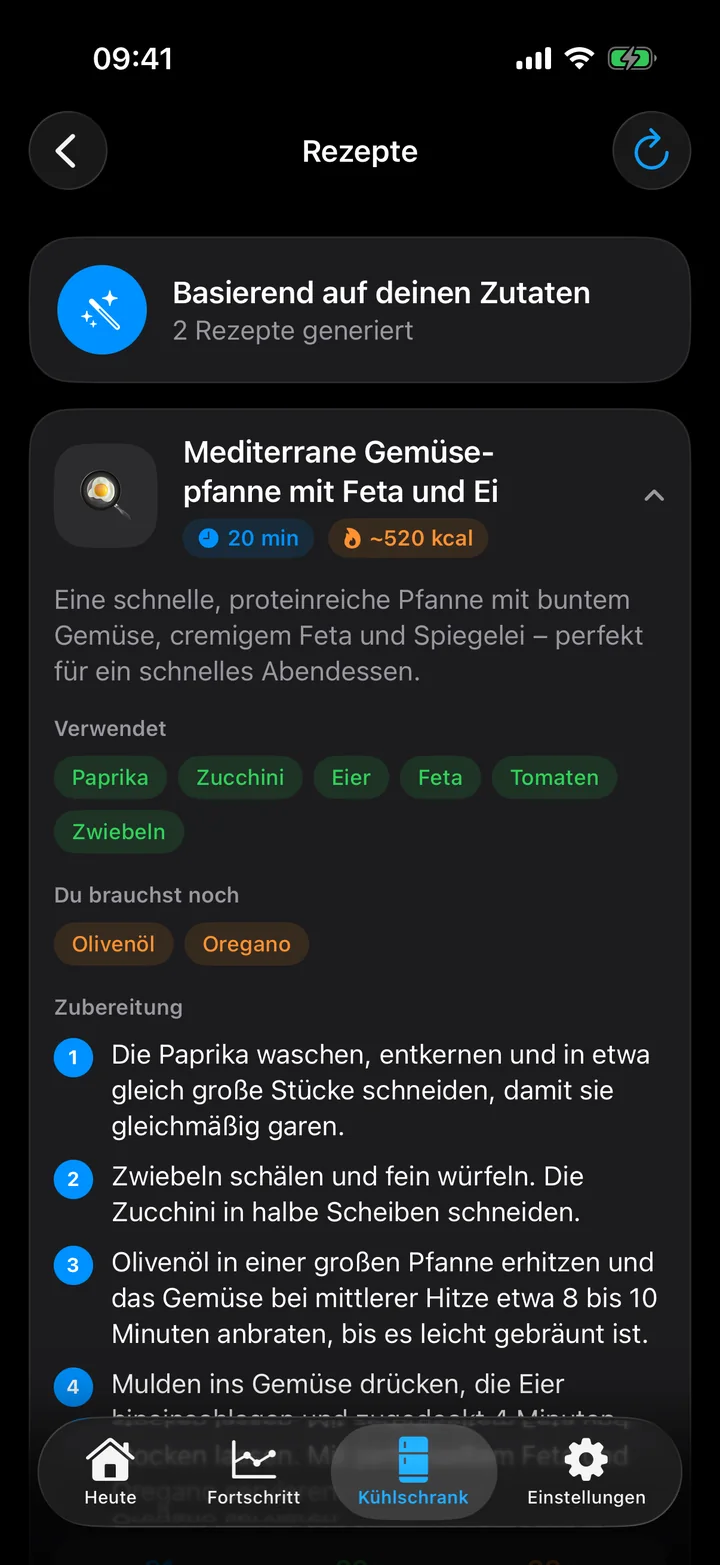
What can I cook? Ask your fridge.
Snap what is there. Macrova turns it into recipes that fit, vegetarian or vegan too.
- Snap Fridge or pantry, up to 6 photos.
- Check Quickly review and add items.
- Cook With time, steps and nutrients.
Logging
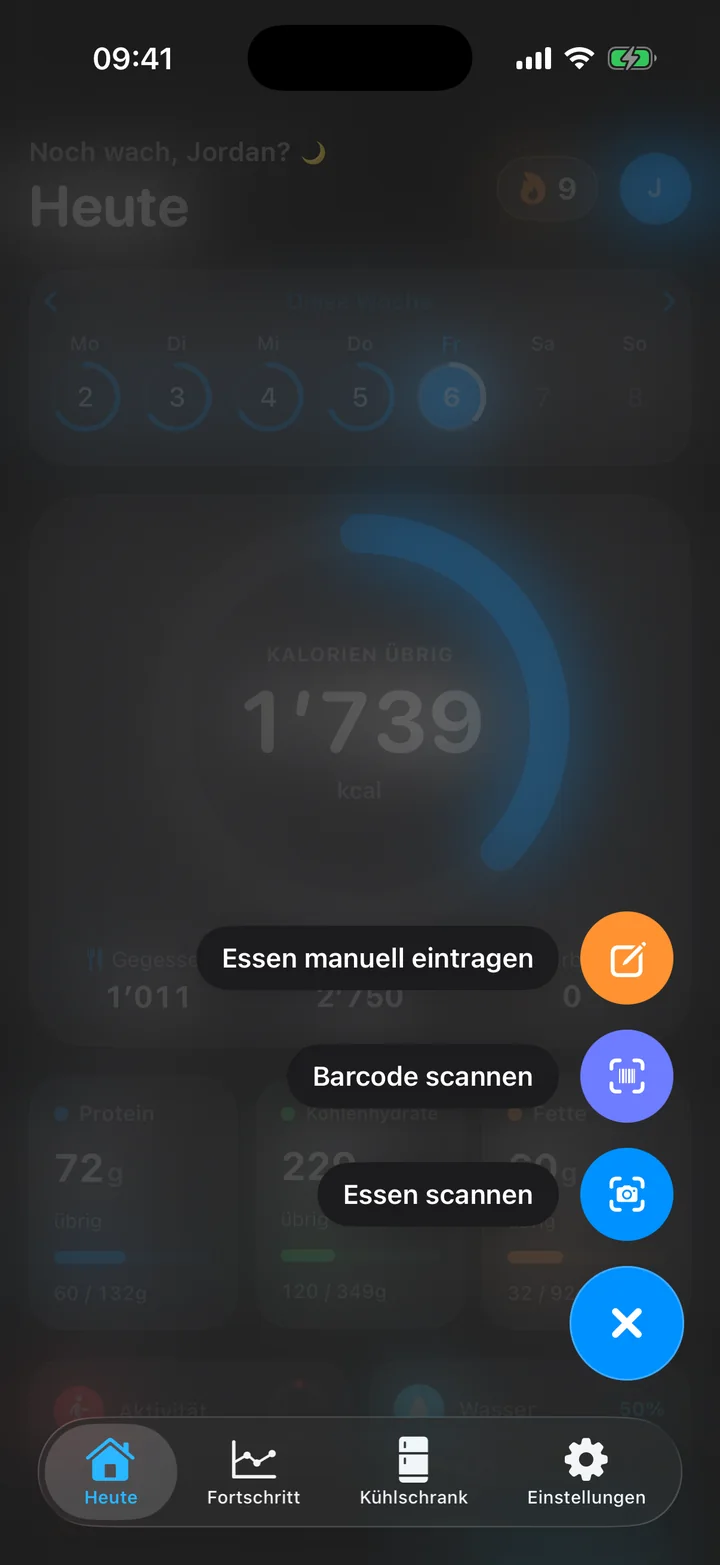
Photo, barcode or a quick entry.
Logged in seconds. The AI estimates portion and nutrients, you confirm.
- AI photo scan
- Barcode
- By hand
For every goal
Lose weight, build muscle or simply eat better.
Lose weight
A gentle deficit, never below a safe minimum.
Maintain
Enough energy, well balanced.
Gain weight
Controlled, not just more.
Build muscle
A small surplus and plenty of protein.
Eat healthier
Better choices, no diet pressure.
Your data stays on your iPhone.
Photos only go to the AI for analysis. We do not store them.
- No account
- No ads
- No tracking
Quick answers.
How much does Macrova cost?
The beta is free.
When can I download Macrova?
Join the beta. As soon as it starts, you get an invitation by email. The App Store follows after that.
Do I need an account?
No. Open the app, answer a few questions, get started.
Is Macrova available for Android?
Not yet. iPhone comes first (iOS 17 or later).
How accurate is the photo scan?
Usually close, but never exact. You see the result and can adjust it before saving.
Is Macrova a medical app?
No. All values are estimates and do not replace advice from a doctor or dietitian.
Be there from the start.
Sign up and try Macrova before everyone else.